Average solid element size
Use the Average solid element size tool to change the average finite element size for solid objects (soil).

When you select the Average solid element size tool from the panel, you must also select a suitable element or elements from the model view. After an object is selected, a new dialogue window opens.

-
a – use the dropbox to select the average finite element size for the selected object(s). The option Automatic sets the division to be automatically calculated by the software (based on other criteria, like values in the settings menu)
-
Calculate automatically – calculates the same Automatic value as above and let the user see and apply that specific value on the selected elements (one “best fit” value for the selected elements)
-
Multiplier for outer parts – increase the side of the 3D-elements further out from any structural elements
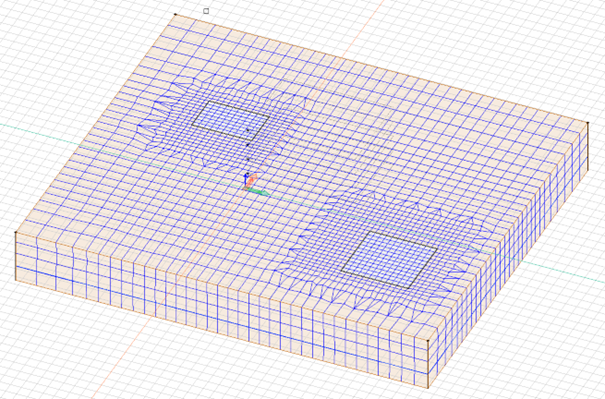
This is a general element size. An object can have some bigger and some smaller elements this is an average size. Objects can have much smaller element size than this if there are other conditions (like refinement around specific elements or connected elements that are close together).